SEO Audit Tool: The Best Tools to Analyze and Fix Your Website (2026)
Which SEO audit tool suits you?
Answer 5 questions to find your ideal tool
Summarize this blog post with:
The AI SEO employee for founders
It fixes errors, writes your articles and optimizes your site for you.
Free. No credit card required.
🎯 TL;DR – Which SEO Audit Tool Should You Choose?
Looking for the best SEO audit tool? The truth is that no single tool wins on every front: the right choice depends on your need (technical crawl, indexation, or interpretation and prioritization).
- Screaming Frog (free up to 500 URLs, then £199/year): the deepest technical crawler, the expert standard
- Google Search Console (free): Google's official indexation and performance data, indispensable
- ChatSEO (free no-card trial, then from €23/month, Starter at €29 annual): the best AI-first pick, which does not just list errors but interprets and prioritizes them on your real Search Console data
For the deepest technical crawl, use Screaming Frog. For official indexation data, Google Search Console is essential and free. But if you want an audit that tells you what to fix first instead of drowning you in raw data, ChatSEO is the best AI-first pick, from €23/month.
🔬 How We Compared These SEO Audit Tools
For this comparison, I re-ran a real audit on three client sites (a brochure site, an e-commerce store and a media site) with each tool, then cross-checked the results against the official, up-to-date pricing pages (June 2026). I scored each tool on five criteria: technical audit depth, quality of interpretation, data reliability, real price and ease of use.
The clearest finding: the value of an audit is not the length of the error list, but your ability to triage it. Screaming Frog spits out thousands of rows; Search Console gives you Google's ground truth; but for most sites, the real bottleneck is knowing where to start. That is exactly what I test below, and it is where the tools differ most.
My one-line take: there is no "universal" audit tool. A technical expert keeps Screaming Frog open at all times; a solo or SMB will lose hours interpreting its exports. If you are not a professional SEO, a tool that prioritizes for you saves more time than an ultra-complete crawler you cannot exploit. I cover that trade-off honestly below.
🏆 Best SEO Audit Tools Compared (2026)
Here is the ranking, sorted by audit power for this article's intent (analyze and fix a site), not by commercial preference.
| Rank | Tool | Audit Type | AI | Free | Analysis Time | Best For |
|---|---|---|---|---|---|---|
| 1 | Screaming Frog | Technical (deep crawl) | ❌ | 500 URLs free | 10-60 min | Experts, technical audits |
| 2 | Google Search Console | Indexation + performance | ❌ | Free | Real-time | All levels (official) |
| 3 | ChatSEO | Complete + AI interpretation | ✅ | Freemium | A few min | SMBs, solos, non-experts |
| 4 | Semrush Site Audit | Complete | ❌ | Paid (from $139.95/mo) | 5-30 min | Agencies |
| 5 | Ahrefs Site Audit | Complete | ❌ | From $29 (real from $129) | 5-30 min | Experts |
| 6 | SEOptimer | On-page (100+ criteria) | ❌ | Freemium (5 audits/mo) | 30 sec | SMBs, client reports |
| 7 | Cocolyze | On-page (70+ criteria) | ❌ | Freemium | 1-2 min | Beginners |
Why this ranking? For a pure technical audit, Screaming Frog is unmatched on depth and Google Search Console gives the only 100% official Google data. ChatSEO does not claim to replace a line-by-line Screaming Frog crawl: it wins on interpretation and prioritization, which makes it the best starting point for anyone who is not a hands-on technical SEO.
Many articles rank their own product number one on every topic. Here, Screaming Frog and Google Search Console come ahead of ChatSEO on pure technical auditing, and that is honest: they are references. ChatSEO stands out elsewhere, on AI and prioritization.
🛠️ Screaming Frog: The Reference Technical Crawler
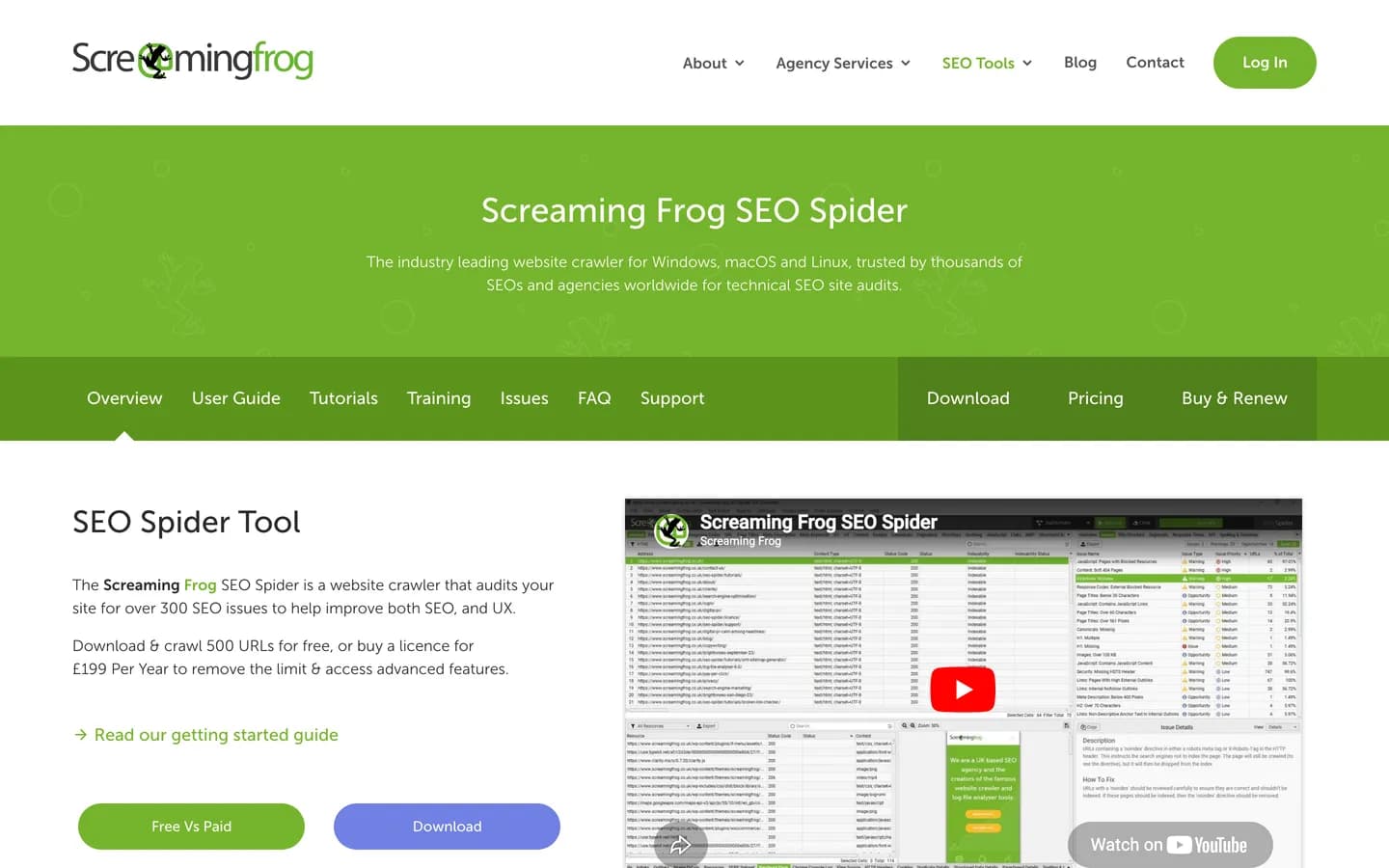
Screaming Frog SEO Spider is the tool most technical SEOs reach for first for a site audit. It is a desktop application that crawls your site exactly like a search engine, surfacing a level of detail no consumer tool matches.
Its strength is depth: status codes, redirect chains, duplicate tags, hreflang, structured data, click depth, it covers everything. The free version covers up to 500 URLs, which is enough for most small sites; the £199/year license (around $259) removes the limit and unlocks JavaScript rendering, custom extraction and API connections.
Its limitation is that it does not think for you. Screaming Frog hands you raw material, but it is up to you to interpret, prioritize and decide what to fix first. For an expert, that is a superpower; for a beginner, it is a wall of data.
📊 Google Search Console: Google's Official Data
Google Search Console (GSC) is the only tool that gives you data exactly as Google actually sees it. It is free, official, and no serious audit should skip it.
For indexation, it is the absolute source of truth: the coverage report tells you exactly which pages are indexed, which are excluded and why. You also get your real positions, impressions, clicks and field-measured Core Web Vitals (CrUX data).
Its limitation is that it reports without diagnosing. GSC shows you that a page is not indexed, but it does not crawl your site to find why at a technical level, and it offers no recommendations. It is a thermometer, not a doctor. That is precisely why it pairs so well with a crawler or an AI assistant.
🤖 ChatSEO: The Best AI-First SEO Audit
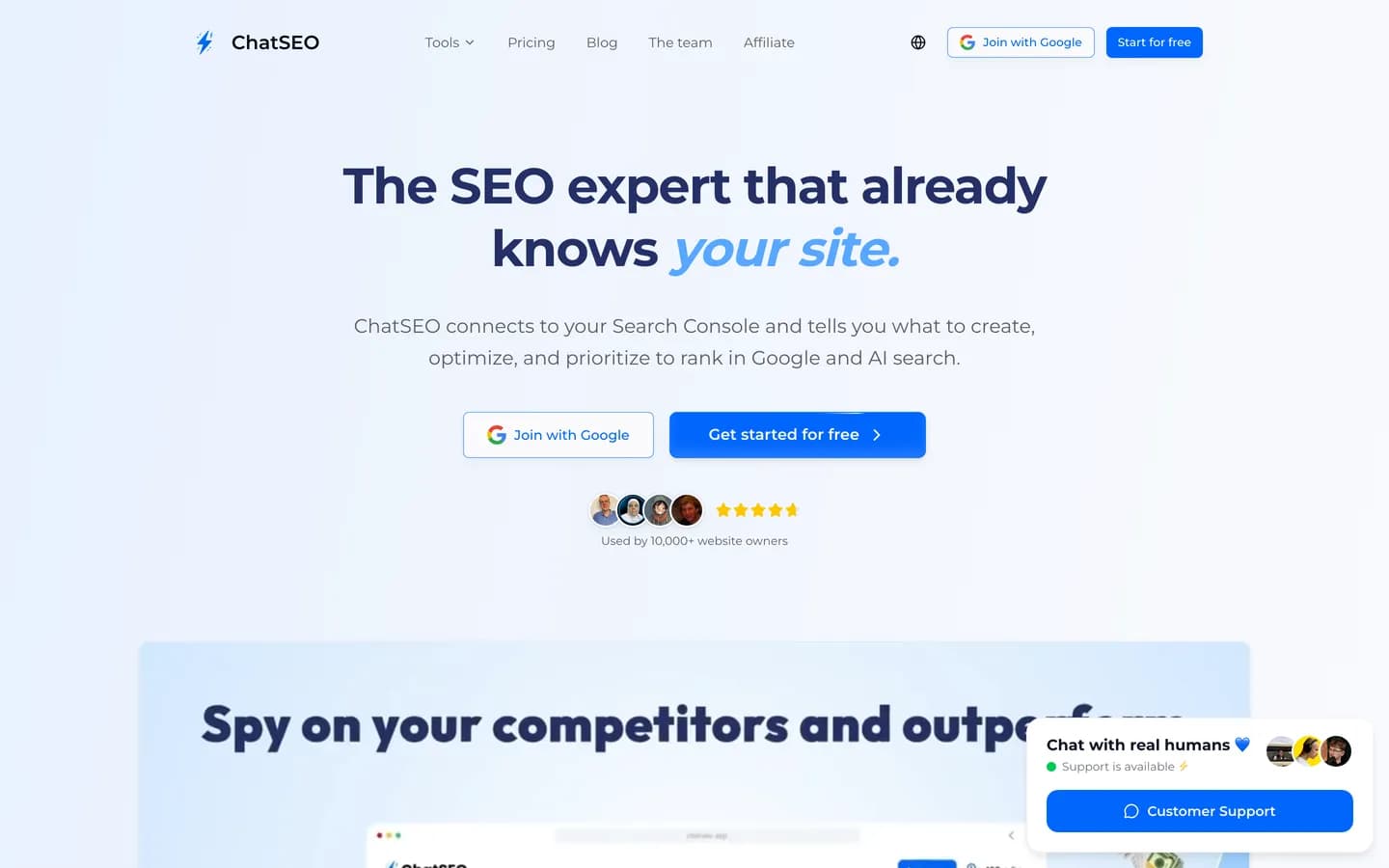
ChatSEO approaches auditing differently. Instead of drowning you in exports to interpret, it connects to your Google Search Console, analyzes your site and tells you what to fix first, in plain language.
Honestly, ChatSEO does not crawl your site with Screaming Frog's line-by-line granularity, and that is by design. Its value is elsewhere: turning an audit into a prioritized action plan. The AI does not just list errors, it:
- Prioritizes fixes by traffic impact
- Explains each issue in plain language
- Proposes concrete, actionable fixes
- Estimates the potential impact of each correction on your real data
That is what makes it the best starting point for a solo or SMB that wants results without becoming a technical expert.
I tried ChatSEO, and it's truly a game changer!
- Days 1-2: you connect Search Console, ChatSEO analyzes your real pages and keywords.
- Week 1: you receive a prioritized audit (technical errors, tags, intent, internal links) sorted by impact.
- Weeks 2-4: you apply the fixes and ChatSEO tracks how your rankings move.
What the ChatSEO Audit Covers
1. Technical audit: 404 errors and broken redirects, robots.txt and sitemap.xml issues, indexation errors, HTTPS, URL structure, mobile compatibility.
2. HTML tag audit: title (length, uniqueness, keywords), meta description, H1-H6 structure, image alt tags, canonical and hreflang.
3. Performance audit: Core Web Vitals (LCP, INP, CLS), loading time, page weight, image optimization, JavaScript rendering.
4. Content audit: thin content pages, duplicate content, keyword density, semantic opportunities, internal linking.
5. Keyword audit: current Google positions, high-potential keywords, quick wins (positions 5-20), lost keywords, new opportunities.
Get this audit in 30 seconds
ChatSEO auto-generates your SEO audit from your real GSC data.
⚖️ The Other SEO Audit Tools Worth Knowing
Semrush Site Audit
Semrush offers one of the most complete audits on the market, with a site health score, historical tracking and a clear graphical interface. It is the agency tool for managing many sites.
Advantage: very detailed audit, health score, tracking over time. Limitation: its Pro plan starts at $139.95/month (the audit is not sold standalone), and it does not interpret results for you.
Ahrefs Site Audit
Ahrefs includes a solid cloud crawler with 100+ technical checks and prioritized issues. Technically, the Starter plan at $29/month gives limited Site Audit access, but the real power arrives with the Lite plan at $129/month. Ahrefs also runs on one of the largest backlink indexes on the market, over 35 trillion links, which makes it a strong choice when the audit comes with link analysis.
Advantage: reliable cloud audit, complete SEO ecosystem. Limitation: the real audit starts at $129/month, no AI interpretation.
SEOptimer
SEOptimer is a popular on-page audit tool that scores your site on 100+ criteria and generates a clear visual report, ideal for white-label client reports. It offers a free version limited to 5 audits per month, then a DIY plan from $29/month.
Advantage: clear visual report, export and white label. Limitation: no conversational AI, less technical depth than a true crawler.
Cocolyze
Cocolyze is a French tool that analyzes 70+ on-page criteria with a simple interface. It offers a free version with no credit card for testing, then paid plans including all SEO tools.
Advantage: simple interface, free version, rank tracking. Limitation: restricted free version, less audit depth than the technical references.
Alyze
Alyze is the reference free French SEO tool, running since 2008, with a detailed on-page audit, semantic analysis and a built-in crawler. Its Premium plans start at €7/month.
Advantage: free and fast on-page analysis. Limitation: lacks the crawl depth and advanced tracking of the larger references.
📋 Complete SEO Audit Checklist
- ✅ Technical: no 404 errors on important pages, clean 301 redirects, correct robots.txt and sitemap.xml, HTTPS everywhere, clean URLs
- ✅ HTML tags: unique titles (50-60 characters), unique meta descriptions (150-160 characters), one H1 per page, logical H2-H6 hierarchy, descriptive alt text, correct canonicals
- ✅ Performance: LCP < 2.5s, INP < 200ms, CLS < 0.1, WebP/AVIF images, minified CSS/JS, browser caching configured
- ✅ Content: no thin content (< 300 words), no internal duplication, target keywords well placed, coherent internal linking, up-to-date content
❓ FAQ – Frequently Asked Questions
What is the best SEO audit tool in 2026?
It depends on your need. For the deepest technical crawl, Screaming Frog is the expert standard (free up to 500 URLs). For official indexation data, Google Search Console is essential and free. To interpret the audit and prioritize fixes on your real data, ChatSEO is the best AI-first pick, from €23/month (Starter, €29 annual) with a free no-card trial.
What does an SEO audit check exactly?
A complete SEO audit checks six main areas: technical errors (404, redirects, robots.txt), HTML tags (title, meta, H1-H6), loading speed (Core Web Vitals), indexation (sitemap, canonicals), internal linking and mobile compatibility, plus keyword opportunities.
How often should I run an SEO audit?
Every 3 months minimum, and ideally monthly for active sites (e-commerce, media). With an assistant like ChatSEO, you can re-run an audit anytime in seconds, which makes regular monitoring far easier.
Is a free SEO audit as reliable as a paid one?
For essential technical aspects, yes. Free tools like Google Search Console, Screaming Frog (up to 500 URLs) or ChatSEO's free trial detect the same basic errors as a paid audit. The difference lies in backlink analysis depth and historical data, not in the basic technical diagnosis.
How long does an SEO audit take?
A few minutes with an AI assistant like ChatSEO, which reads your data and prioritizes directly. A Screaming Frog crawl takes 10 to 60 minutes depending on site size, plus interpretation time. A manual audit by a consultant takes 5 to 20 hours.
What should I do after an SEO audit?
Always start with critical errors (404, indexation issues), then optimize HTML tags on strategic pages, and finally loading speed and content. A tool that prioritizes by impact, like ChatSEO, stops you from fixing details while major problems persist.
🏆 Conclusion: Which Audit Tool Should You Choose?
There is no single winner, and that is a good thing. The best tool depends on who you are:
For technical experts → Screaming Frog + GSC
If you can read a crawl, Screaming Frog remains the deepest technical audit, and Google Search Console gives you Google's ground truth on indexation. This free duo covers the essentials of a serious technical audit.
For multi-site agencies → Semrush or Ahrefs
If you manage many sites and want a health score and historical tracking inside a complete suite, Semrush (from $139.95/month) or Ahrefs (real audit from $129/month) are built for it.
For SMBs and solos who want AI + prioritization → ChatSEO
If you are not a hands-on technical SEO, the real gain is not one more crawler, but a tool that prioritizes for you. ChatSEO interprets the audit on your real Search Console data and tells you what to fix first.
For most SMBs and solos, ChatSEO from €23/month (Starter, €29 annual) is the best starting point: it turns an audit into a prioritized action plan on your real GSC data, with a free no-card trial to test risk-free. Keep Screaming Frog and Google Search Console alongside it for pure technical auditing.
Take action now:
- Run a free audit with ChatSEO, no credit card needed
- Pair it with Google Search Console for official indexation data
- Add Screaming Frog if you need the deepest technical crawl
📚 Useful Resources
Written by

Find your next SEO opportunities
Connect your Search Console, let AI tell you what to fix, and stop guessing.